If the tablet computer's measurement software asks for a registration code, log into https://www.sensesystems.html with your credentials and go to the Company view.
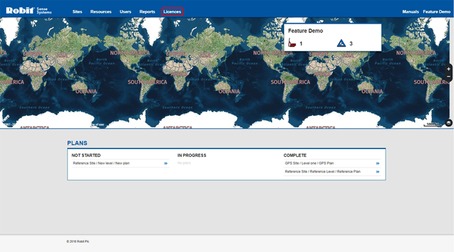
You will see a list of licences. Select an available licence to register the tablet with by clicking the Register Tablet text. If the list does not have an available licence, contact Robit personnel.

A window with a registration code will open.
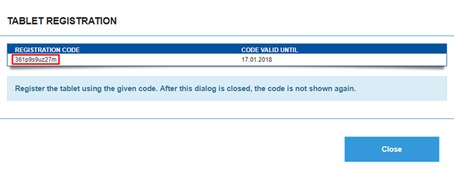
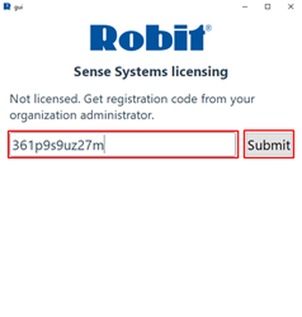
Write or copy the code into the registration code field on the tablet computer's Measurement UI Software. Click Submit to send the code.
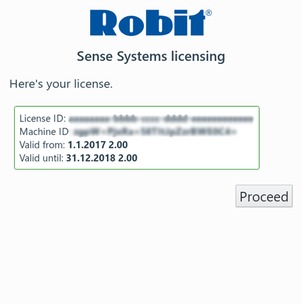
Review your licence information on the tablet computer and click Proceed to start using the software.